Missing Restaurants
Answered
Hello all,
When we do a GET for partners/v1/restaurants we seem to be missing some restaurants. What would we need to do to include those locations?
Thanks,
GV
-

We're taking a look and will get back to you!
That said, since you are using API credentials that only apply to a single management group, using the management groups endpoint of the restaurants API will get you a list of all restaurants you can access.
0 -
Hey Liz,
Indeed. I'm able to get the groups I can access, I'm wondering why as we add new restaurants (we're adding a couple every two weeks or so) they're not automatically added to my API Integration. Let me know if this is something that needs to be done on your end, or if we require anything additional.
Thanks!!
GV
0 -
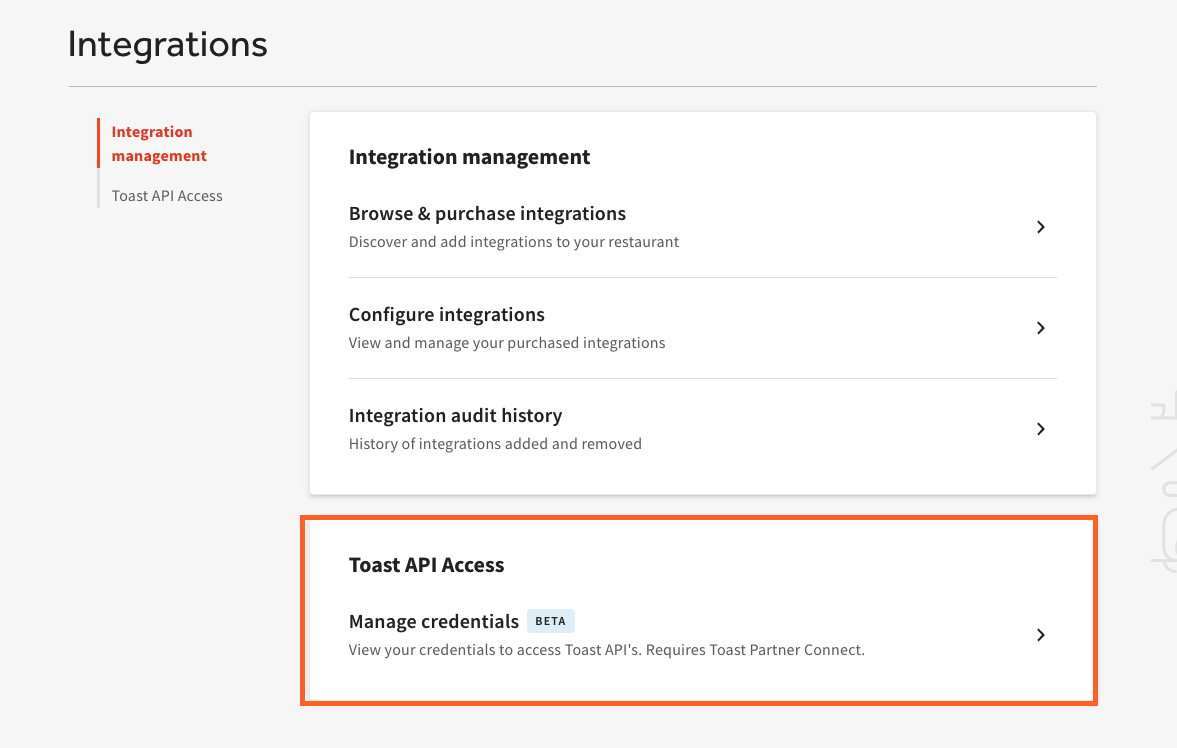
Sure thing! To grant your API credentials access to a new location within your management group, first go to Manage Credentials on the Integrations page in the Toast Web back-end:
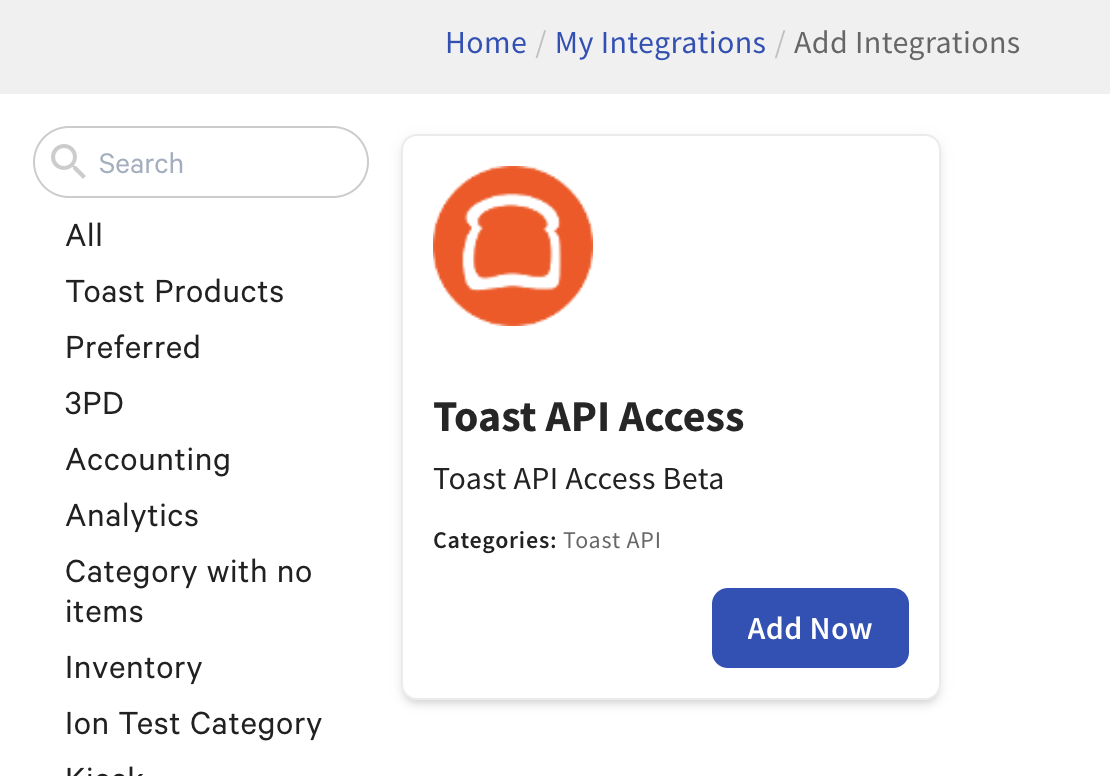
Then select the "Add Now" button on the "Toast API Access" tile:
Let us know if you have additional questions!
0 -
Hey Liz,
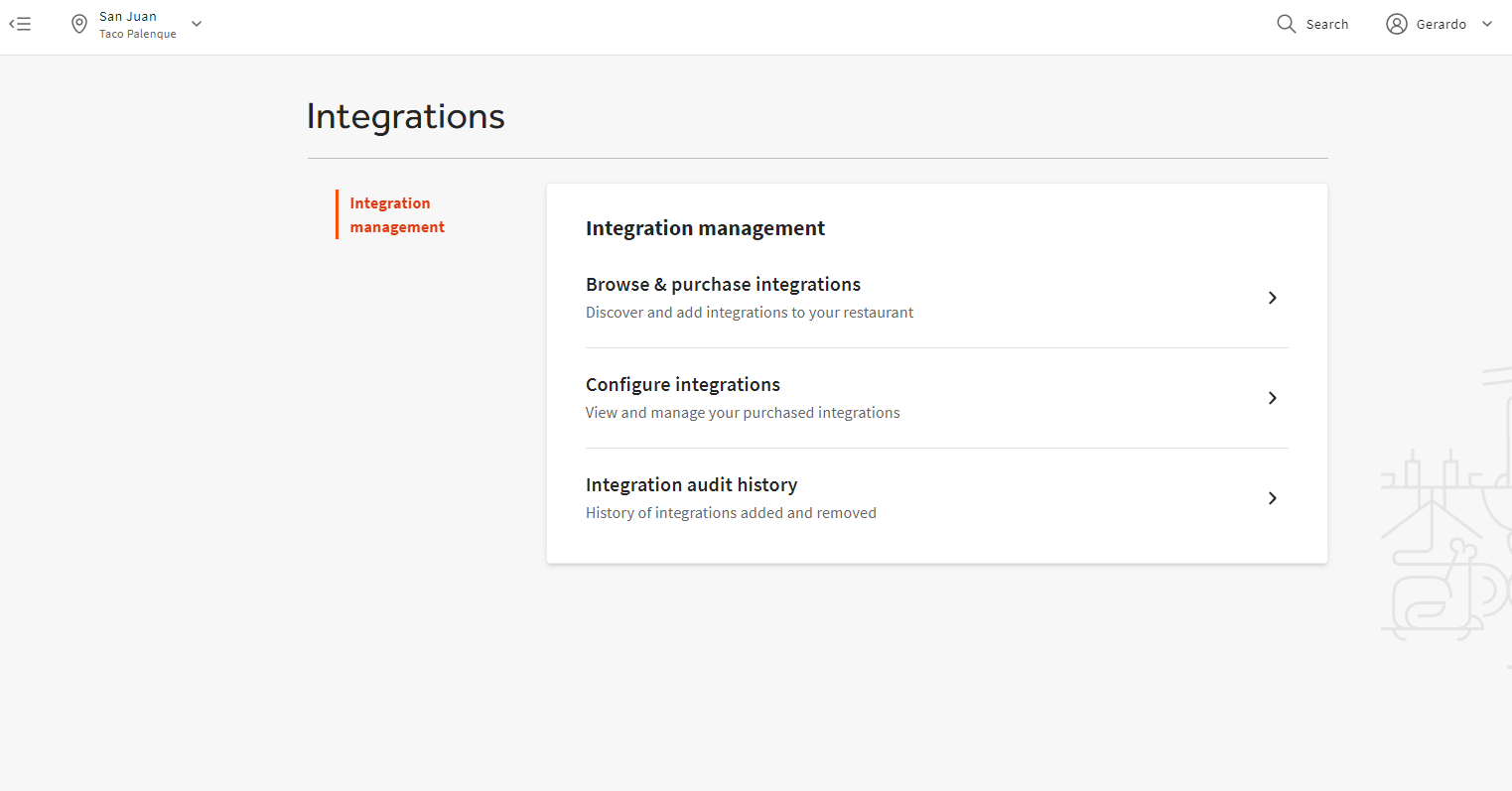
Thanks for that! Unfortunately I don't seem to have it available for one of the locations I am missing:
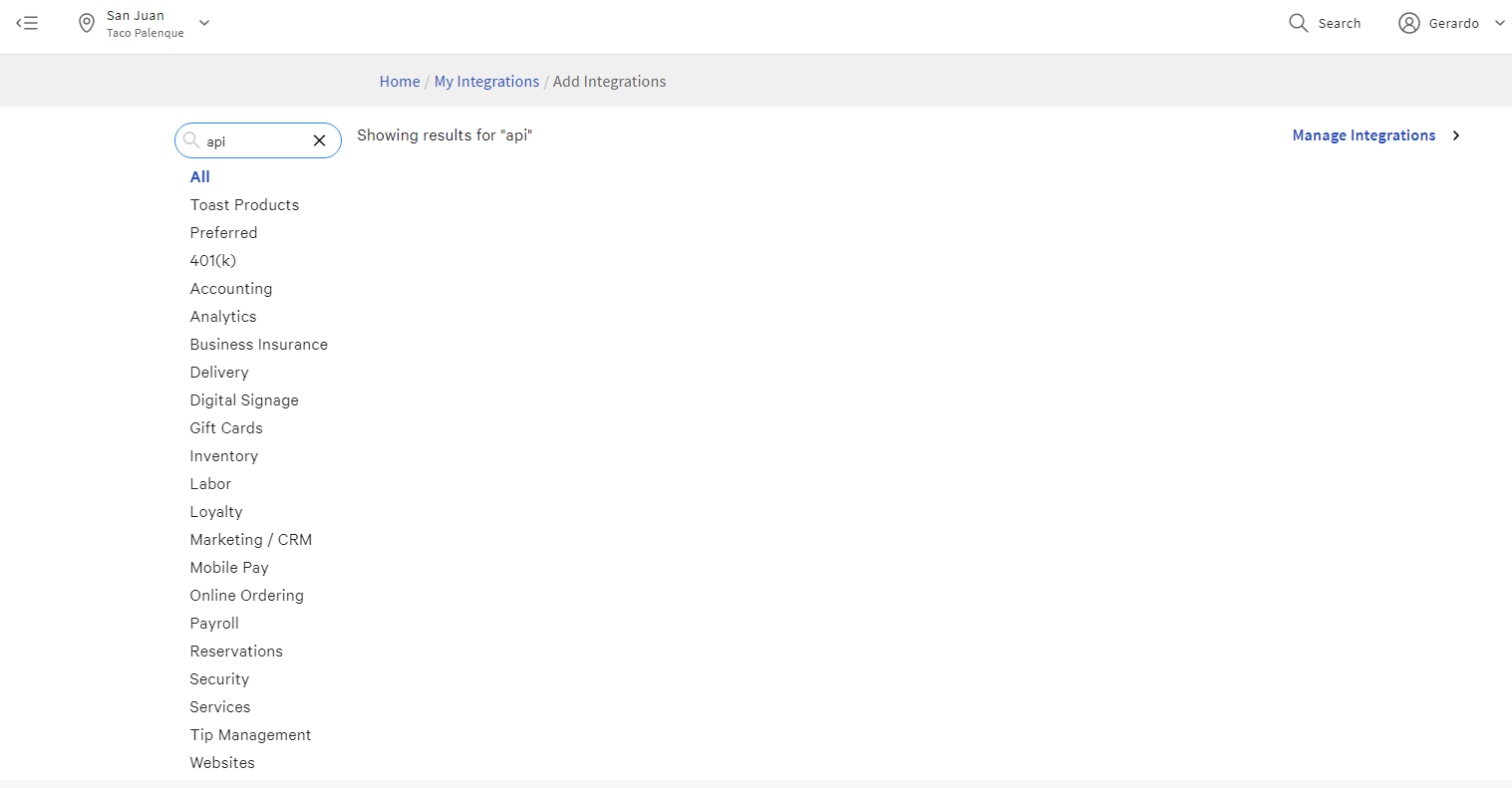
And when I visit the integrations portion, I don't have any items with the word API either
Thanks!
GV
0 -
Our R&D team is looking into why you cannot see the "Toast API Access" tile. We will keep you updated with what we find!
0 -
You should now have access to the Toast API Access tile at all locations, and should also appear at new locations if they are created in the future. Let us know if you run into any issue adding API access to the additional locations.
0 -
Excellent! Thanks, Liz Jackson!!
0
Please sign in to leave a comment.
Comments
7 comments